

Drew_Callahan
Moderator
Why You Should Plan Ahead for Offline Connectivity
Let's be honest: cruise ship WiFi in 2026 is better than it used to be, but it's still expensive and often unreliable. A basic WiFi package can run $15-20 per day per device, and even the premium "streaming" packages ($20-25/day) will frustrate you when you're trying to watch a show in your cabin or check email from the pool deck.
Here's what I've learned after 40+ cruises: the smartest cruisers download everything they need before they leave port. Movies, shows, maps, games, music, books — all waiting offline, zero data charges, zero buffering, zero regrets.
Entertainment Downloads: Movies, TV, and Streaming Content
You have three solid options here, and which you choose depends on what you're subscribed to already.
Netflix remains the gold standard. Open the Netflix app, search for any title, and tap the download icon (looks like an arrow pointing downward). Downloaded shows and movies stay on your device for 30 days offline. On my last cruise, I downloaded Season 3 of "The Crown" and three recent films — watched them guilt-free without touching WiFi once. The quality is excellent even in HD, and downloads take up reasonable storage space.
Disney+ works the same way. Download content before you sail, and it's yours to watch for 30 days. If your family is into Marvel, Star Wars, or Pixar films, this is non-negotiable. I downloaded "Inside Out 2" and "Lilo & Stitch" for my niece on her first cruise — she watched them in the cabin during quiet time instead of burning through WiFi data.
Amazon Prime Video also offers offline downloads if you have a Prime membership. The interface is slightly less intuitive than Netflix, but it works. Download your favorites by clicking the download icon on any title.
YouTube Premium ($13.99/month in 2026) lets you download videos for offline viewing. If you want to download travel vlogs, tutorials, or your favorite creators' content, this is your ticket. Regular YouTube won't let you save videos offline.
Pro tip from personal experience: Download content the night before you sail or during your embarkation day while you still have strong home WiFi or port WiFi. Ship WiFi will struggle if you try to download multiple large video files while the ship is moving.
Visit our internet and WiFi forum to share which shows and movies cruisers are downloading for their trips.
Navigation and Maps: Never Get Lost Again
This one changed my cruise experience completely. I used to wander around Nassau or Cozumel clicking through WiFi-dependent Google Maps, burning data and getting frustrated.
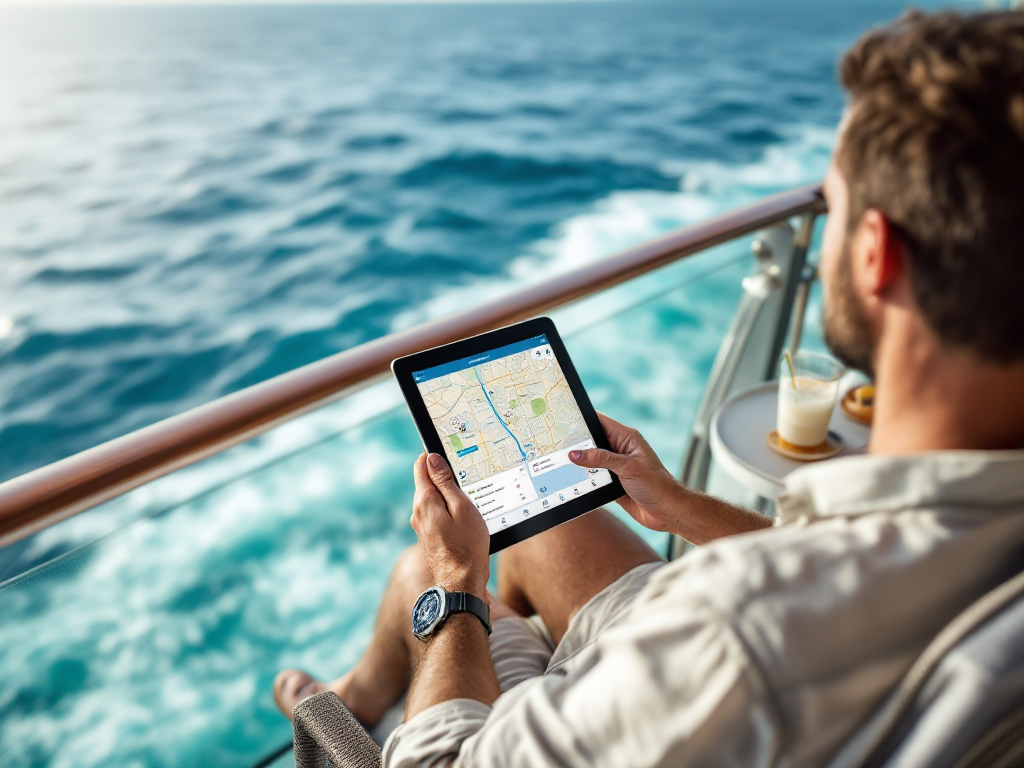
Google Maps lets you download offline maps of any port city. Here's how: Open Google Maps, search for your destination (let's say "Cozumel, Mexico"), tap your profile icon, go to "Downloaded maps," and download the region. The map file is usually 50-200MB depending on the area. When you're in port with no WiFi or cellular service, Google Maps works perfectly offline — you can see your location via GPS and navigate to restaurants, shops, beaches, or attractions.
I've used offline Google Maps in Bermuda, Jamaica, the Bahamas, and Mexico. It's saved me from three wrong turns and at least two overpriced taxi rides.
Maps.me is another excellent option, and honestly, many experienced cruisers prefer it. It's lightweight (uses less storage), works flawlessly offline, and includes restaurants, shops, and landmarks already pinned. Download the app and download maps for your specific ports before you sail.
Cruise ship deck plans — this is a secret weapon. Apps like "Cruise Mapper" let you download deck plans for your specific ship. If you're on the Carnival Magic or Royal Caribbean's Wonder of the Seas, you can explore every deck from your cabin, find dining venues, locate the gym, and never ask a crew member for directions again. Sounds silly, but trust me — knowing where everything is before you arrive on the ship saves you hours of wandering on embarkation day.
Reading and Books: Your Floating Library
Kindle is the obvious choice. If you have an Amazon account and Kindle app on your phone or tablet, download books before you sail. They take almost no storage space (a full book is usually 1-3MB), and you can read in the cabin, by the pool, on the balcony — anywhere. I usually download 5-8 books for a week-long cruise because I genuinely don't know what I'll be in the mood to read on sea days.
Apple Books works the same way if you're in the Apple ecosystem.
Libby (formerly Overdrive) is free if you have a public library card. Thousands of books are available to borrow and download. They do expire (usually 21 days), but you can renew them while onboard if you pick up the ship's free WiFi for a few minutes. This is how I save money on cruise reading — library books are free.
Project Gutenberg app offers over 70,000 free, public-domain books. Older classics, lesser-known works, poetry collections — all free to download and read offline. Great if you're into historical fiction or Victorian novels.
Music: Your Personal Playlist at Sea
Spotify Premium ($11.99/month in 2026) includes offline downloads. You can download entire playlists, albums, or specific songs and listen to them without any internet connection. I always download a mix of relaxing cabin music, workout songs for the gym, and fun pool deck tracks. Downloaded music also uses far less data than streaming, even if you had WiFi.
Apple Music offers the same feature if you're an Apple subscriber.
YouTube Music (included with YouTube Premium) lets you download songs and playlists for offline listening.
Amazon Music Unlimited allows downloads with a subscription ($10.99/month or included with Prime).
Honestly? Downloading music is a game-changer for sea days. Download a 50-song workout playlist, and you never worry about WiFi buffering at the gym.

Games and Brain Teasers: Offline Entertainment You Control
You have sea days to kill, and not all of them are spent reading or watching shows. Games are perfect offline time-killers.
Crosswords — download a crossword app like "Crosswords With Friends" or "New York Times Crosswords" and download puzzles before you sail. Hundreds of puzzles, zero WiFi required.
Sudoku — "Sudoku Master" or similar apps offer thousands of puzzles you can download and solve offline.
Chess" — "Chess.com" app lets you solve puzzles and play against the AI completely offline. Great for quiet cabin time.
Offline games with no ads — consider downloading games like "Monument Valley," "Threes," or "Two Dots" that don't require WiFi and don't bombard you with ads. These games are designed to be played offline and are perfect for poolside relaxation.
Avoid free-to-play games that require constant WiFi and internet connectivity — they're frustrating at sea.
Reference Materials: Travel Guides and Language Tools
Offline travel guides — apps like "Lonely Planet" or "Rough Guides" offer downloadable guides to destinations. If you're cruising to the Mediterranean in 2026, download guides to Rome, Barcelona, and Athens before you sail. You'll have detailed information about landmarks, restaurants, and hidden gems without relying on ship WiFi.
Language apps — "Duolingo" has limited offline functionality (you can do some lessons), but "Babbel" allows you to download full language courses. If you're planning a European cruise and want to brush up on Italian or Spanish, download lessons and practice offline.
Offline translator" — download "Google Translate" or "Microsoft Translator" and download language packs before you sail. When you're in port and need to communicate, these apps work without internet.

Travel Planning Tools: Itineraries and Reservations
Most cruise lines now have apps (Carnival Hub, Royal Caribbean's app, etc.) that let you manage your onboard account, make dining reservations, and check your daily activities — but these require WiFi to function properly.
Download your documents before you sail: your cruise confirmation, boarding passes, travel insurance documents, emergency contacts, and port information. Save PDFs to your phone or tablet. If your phone dies or the ship's WiFi fails, you still have your critical information.
Screenshots are your friend: take screenshots of restaurant reservation confirmations, excursion booking details, and cabin information. They load instantly offline.
Insider Tips: Storage, Battery, and Logistics
Check your storage space now. If you have a 64GB phone, downloading five 2GB movies, a bunch of music, maps, and e-books will fill it fast. Consider upgrading to 128GB or 256GB before your cruise, or bring a tablet specifically for downloads. I cruise with both a phone and iPad — the iPad is my entertainment device, phone is for navigation and communication.
Charge strategically. Your cabin has one or two USB outlets, and they might be in inconvenient locations. Bring a multi-port USB charger and a long charging cable. Downloaded content uses less battery than streaming, but you're still watching movies, listening to music, and using maps — charge your devices overnight and during dinner.
WiFi sprints for essentials. Even with perfect offline planning, you'll occasionally want to send an email, check your bank account, or message someone on WhatsApp. Use the ship's free WiFi during off-peak hours (usually early morning or late evening) for quick tasks. Avoid trying to use WiFi during peak times (6-9 PM) when the network is overloaded.
Balance is key. Honestly? Bring a book that's not an e-book. Stare at the ocean without your phone. Talk to other cruisers at the pool bar. Downloaded content is fantastic, but cruising is about unplugging, too. Use offline apps as a backup for bad weather or genuine downtime, not as an excuse to ignore the experience.

2026 Reality Check: What You Actually Need
You don't need every app I mentioned. Here's the bare minimum setup that works for most cruisers:
- Netflix or Disney+ (download 3-4 shows or movies)
- Google Maps or Maps.me (download your ports)
- Spotify or Apple Music (download one good playlist)
- A book app (Kindle, Libby, or Apple Books)
- Your cruise line's app (for onboard management)
- Important documents saved as PDFs or screenshots
That setup fits on any modern phone and costs you nothing extra if you're already subscribed to streaming services.
The WiFi on modern cruise ships is genuinely better than it was five years ago, but it's still designed to be supplementary, not primary. Plan ahead, download smart, and enjoy your cruise knowing you've got entertainment, navigation, and communication covered — with or without ship WiFi.
Have you found other offline apps or download tricks that work well at sea? Share your strategies and recommendations in our Internet & WiFi forum — let's help other cruisers stay connected their way.