

Chloe_Banks
Moderator
Why the Royal Caribbean App Is Your Secret Weapon
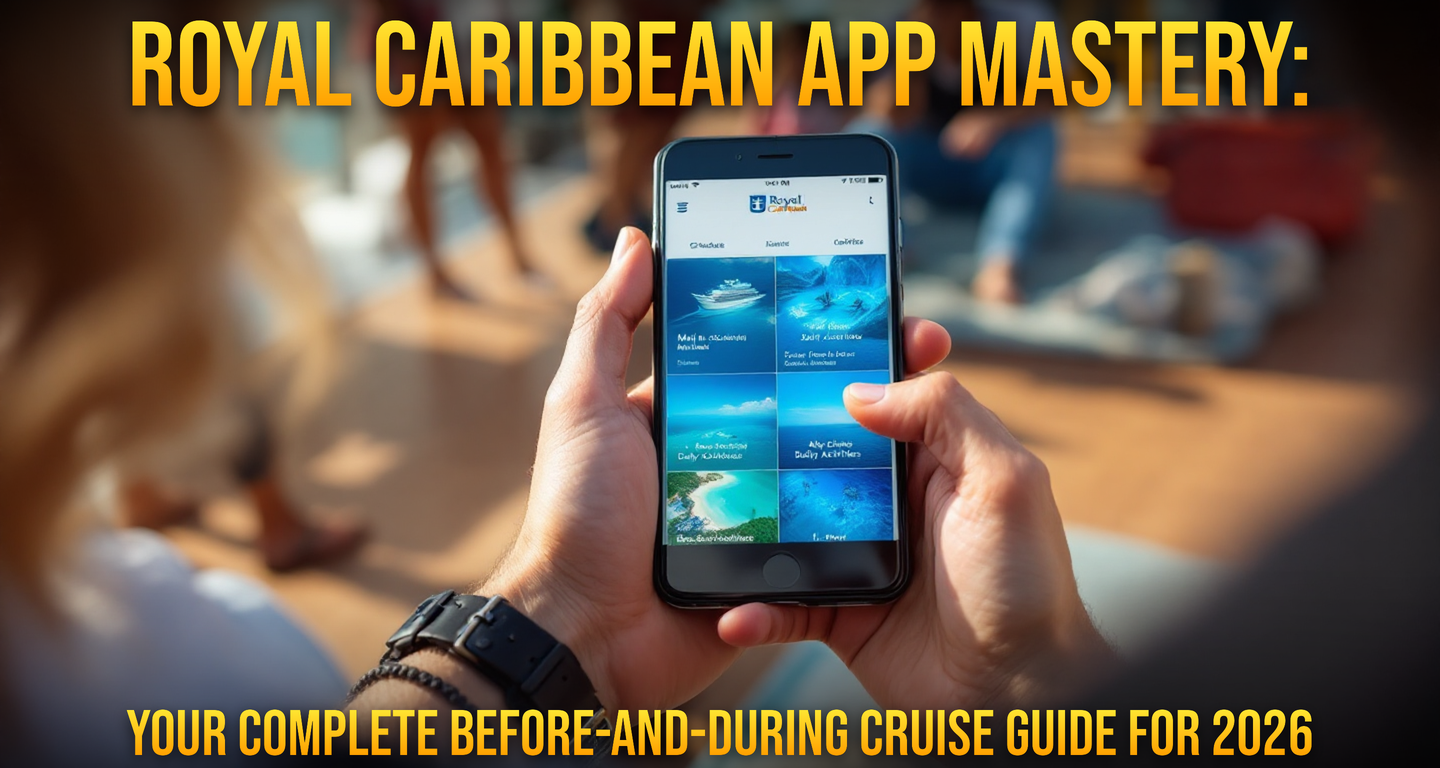
Look, I've been on 40+ cruises, and I can tell you that mastering the Royal Caribbean app is the difference between a smooth, stress-free voyage and constantly hunting crew members for answers. This isn't just a nice-to-have tool — it's essential for navigating everything from your cabin assignment to real-time ship information during your cruise.
The app does way more than most first-timers realize, and honestly, even experienced cruisers miss some powerful features. Let me walk you through exactly how to use it before you sail and what it can do for you once you're onboard.
Before Your Cruise: Setting Yourself Up for Success
Download and Account Setup
First things first: download the Royal Caribbean app from your phone's app store at least two weeks before your cruise. Don't wait until the day before. Here's why: you need time to link your account, verify your information, and troubleshoot any login issues while you're still home with access to your records.
When you create your account, make sure the email address and phone number are ones you'll have access to during your cruise. Some ships have spotty internet, and you don't want to be locked out. Link your Royal Caribbean Crown & Anchor loyalty account too — the app will pull your elite status benefits automatically.
Review Your Booking Details
Once you're logged in, spend 20 minutes verifying everything:
- Sailing date and ship name (yes, double-check this — I've seen people get this wrong)
- Cabin number and category (you can see your exact deck location)
- Guest names as they appear on your ID
- Emergency contact information
- Any specialty dining or beverage packages you've pre-purchased
If anything looks wrong — and I mean anything — contact Royal Caribbean directly through the app's chat feature or call 1-866-562-7625. Don't wait. Getting issues fixed before you sail is infinitely easier than trying to resolve them onboard when the call center is overwhelmed.
Pre-Book Your Activities and Dining
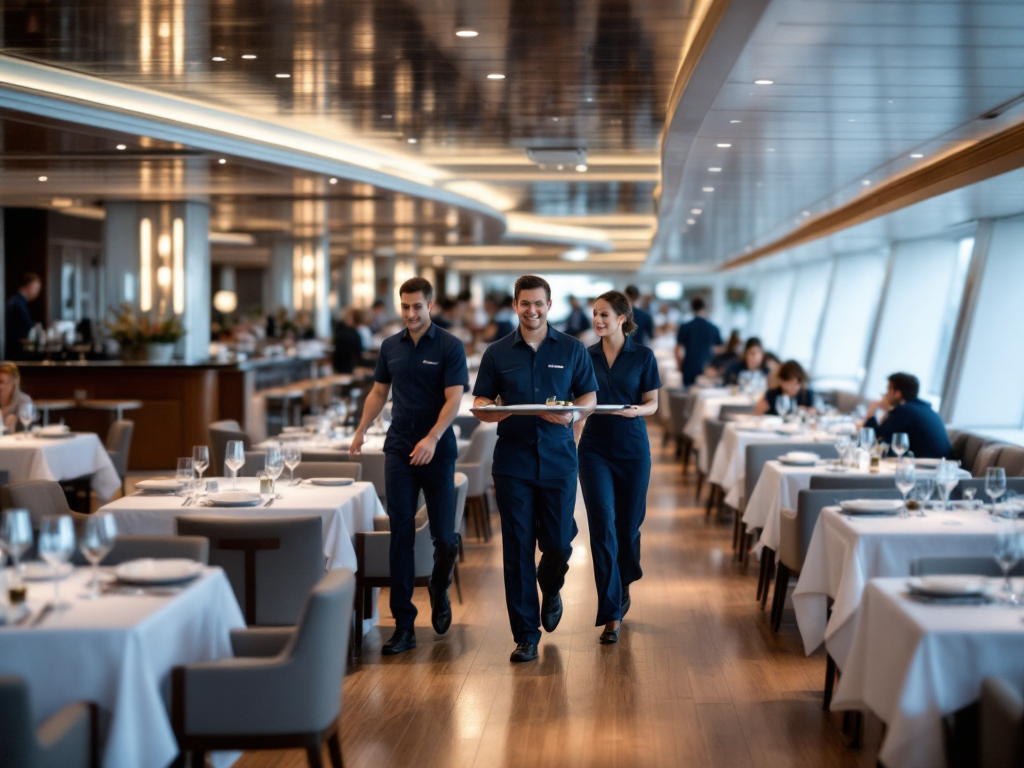
This is where most cruisers leave money on the table. The app lets you reserve specialty dining (like Main Dining Room seatings on ships like the Symphony of the Seas) and book paid activities — think rock climbing on the Voyager-class ships, escape rooms, or the FlowRider water simulator — weeks before you sail.
Popular activities and premium dining times fill up. If you know you want to eat at Jamie's Italian on Oasis-class ships or take a full-day excursion in Bermuda, book it in the app now. You'll see exact times and availability. Popular dinner times (6:15 PM and 8:30 PM) go quickly; early dining (5:30 PM) usually has more availability if you're flexible.
Download the Onboard Maps
Here's an insider tip: go to the "Maps" section in the app and download your ship's deck plans before you sail. If your internet is spotty during the cruise, you'll still have access to the full layout. Knowing where Deck 11 pools, the Solarium (usually only for adults on Oasis-class ships), and the main dining room actually are saves you from endless wandering.
During Your Cruise: Become an App Power User

Real-Time Ship Information and Updates
Once you board, the app becomes your onboard newspaper. You'll get:
- Daily program — every show, activity, and dining option listed by time
- Weather and sea conditions — so you know whether the pool will be usable or if rough seas are causing the ship to alter course
- Port and arrival information — real-time docking status, port hours, and tender information if the ship can't dock directly
- Onboard announcements — important notices about dining closures, equipment issues, or schedule changes push to your phone
I'll be honest: on my last Oasis-class sailing, the app notified me that a tender port was being skipped due to weather about 8 hours before the official announcement. That gave me time to adjust my shore excursion plans.
Check In for Restaurants and Shows
Forgetting a dinner reservation or show time is embarrassing and means missing something you paid for. Use the app to set reminders for any specialty dining reservations or ticketed entertainment. Many ships require you to "check in" through the app 15 minutes before your seating — it's the same concept as checking in at a restaurant ashore.
Some venues (like the specialty steakhouse on Voyager-class ships, which runs about $45–$75 per person) have limited seatings. If you no-show, they might charge your account. The app makes it impossible to forget.
Order Room Service and Track Deliveries
Not all Royal Caribbean ships have this feature equally, but on newer ships like the Icon and Wonder of the Seas, you can order breakfast from your cabin through the app and track exactly when it's arriving. Room service is included with most cruises during certain hours — breakfast is almost always free. Lunch and dinner have a $15–$17 charge per item, which is steep, but if you're sick or just can't get out of bed on a sea day, it's available.
Access Your Keycard and Onboard Charges
One of the biggest quality-of-life improvements on recent Royal Caribbean ships: your phone becomes your keycard. Download your digital keycard in the app before you even leave your cabin. You can use it to:
- Open your cabin door
- Access pool decks and restricted areas
- Charge drinks and meals to your account (assuming you've linked a payment method)
I've been on several cruises where my physical keycard broke or got demagnetized. Having the digital backup was a literal lifesaver. Fair warning: not all ships have this enabled yet — it's rolling out gradually. Ask at guest services on embarkation day if your ship has it.
You can also review your folio (onboard bill) in real-time through the app. Watch for any charges you don't recognize. I caught a duplicate specialty dining charge once and had it reversed immediately by showing a crew member the app.
Shore Excursions and Port Information
The app has a dedicated port section that shows:
- All available excursions with real-time availability and pricing
- Port hours and tender schedules
- Currency information for each port
- Whether you need a passport, visa, or just your keycard
- Onboard maps for the actual port terminal
You can book excursions directly in the app, though I usually recommend booking before you sail through our Royal Caribbean community forum, where cruisers share unfiltered reviews of specific tours. The ship's excursions are convenient but often pricier than booking through local operators in ports like Cozumel or Grand Cayman.
Connect to Onboard WiFi Through the App
You can purchase WiFi passes (beverage packages with internet data usually cost $70–$80 for a full cruise, or daily passes are around $15) and manage your connection through the app. If your internet keeps dropping, the app lets you troubleshoot or contact IT support.
Message Crew Members and Guest Services
Need fresh towels? Want to request late seating for dinner? Message guest services through the app. Response times are usually 15–30 minutes. It's faster than waiting at the guest services desk, especially on embarkation day when the line can be 30+ people deep.

Pro Tips Only Experienced Cruisers Know
Enable notifications — but customize them. You don't want alerts every time a show starts, but you definitely want them for schedule changes, weather alerts, and tender information.
Screenshot your daily program every morning — onboard WiFi can be unreliable, and you don't want to be standing outside a theater at 7:45 PM trying to load the schedule to confirm your show time.
Check the app's "My Cruises" section — it often shows discounts for your next booking or loyalty perks you've earned. I've caught onboard specials for future cruises that saved me hundreds.
Use the app to find alternative dining times — if the main dining room is full, the app shows exactly which seatings have openings so you can switch without a long conversation with the maitre d'.
Don't rely on the app for financial decisions alone — the onboard pricing sometimes differs slightly from what the app shows. Always verify at the venue.
Common App Issues and How to Fix Them
Login problems? — Log out completely, clear your app cache (in your phone's app settings), and try again. If it still doesn't work, use a browser on your phone instead of the app.
Map won't download? — Make sure you're on WiFi (not cellular) and have at least 200 MB of free space on your phone. Try downloading it again once you board and have access to ship internet.
Notifications aren't working? — Check your phone's notification settings for the Royal Caribbean app. iOS and Android both have app-level notification controls that override the app's own settings.
Can't check in for dining? — If the check-in button doesn't appear, you either haven't made a reservation or you're checking in too early. Most venues open check-in 24 hours before your seating.
What the App Can't Do (And What That Means for You)
Let's be real: the app isn't perfect. It won't:
- Guarantee cabin choice or guarantee an upgrade (check-in happens at the gangway for most cruisers)
- Allow you to book all shore excursions — some local operators aren't in the system
- Let you rearrange your dining group once you've confirmed (you'll need to see the maitre d')
- Show real-time tender wait times (those change by the minute)
- Work perfectly without internet — which you'll have sporadically at best onboard
Don't treat the app as your only source of information. Chat with crew members, check bulletin boards in your cabin, and don't be shy about asking for help.
Your Next Cruise Starts Now
The Royal Caribbean app is genuinely one of the best tools they've created for passengers, and most people barely scratch the surface. Take 30 minutes right now to download it, set up your account, and familiarize yourself with the layout. Then, when you board, you'll feel like you already know your way around.
If you're already an app veteran or just sailed and discovered a feature I missed, come share your tips in our Royal Caribbean forum. Every cruiser's experience is different, and I'd love to learn what worked best for you.
Happy sailing in 2026 — and may your app never crash mid-reservation.