

You board your cruise ship, snap a few photos, post them to Instagram, and text your family that you made it safely. Two weeks later, you open your phone bill and see $847 in roaming charges.
This scenario happens to thousands of cruisers every year. The culprit? Maritime cellular networks that charge satellite rates for every text, call, and data packet your phone touches : often without you even knowing it's happening.
The good news: staying connected on a cruise doesn't have to cost you a mortgage payment. You just need to understand how phone connectivity works at sea and follow a few critical rules before you leave the pier.
The Single Most Important Button on the Ship: Airplane Mode
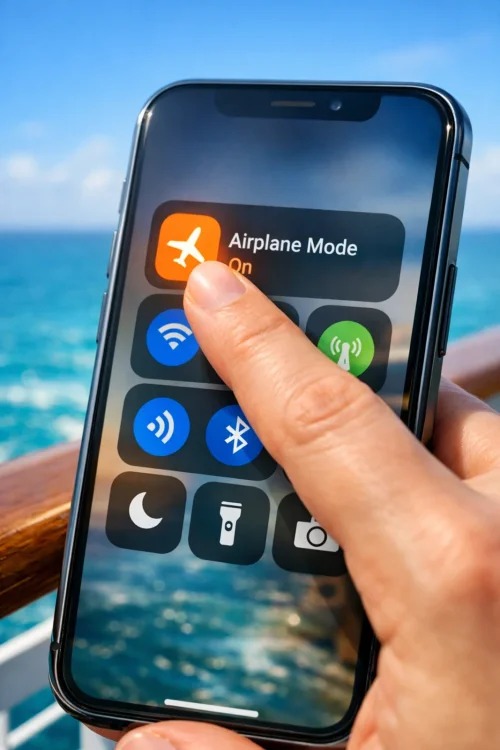
Before your ship even leaves the dock, enable airplane mode on your phone. This is not optional. This is not a suggestion. This is the firewall between you and a four-figure phone bill.Here's why it matters: your phone is designed to automatically search for and connect to cellular networks. When you're at sea, it finds maritime networks like "Cellular at Sea" or "Wireless Maritime Services" that use satellite transmission. Your phone connects. You receive a text message. You're now being charged $0.50 to $2.50 per text : even if you didn't send it.
Background apps refresh. Your email checks for new messages. Your weather app updates. Each action costs money. Your phone becomes a silent cash register ringing up charges while sitting in your pocket.
Airplane mode stops all of this. Your phone can't accidentally connect to expensive networks it can't see them anymore.
How Your Phone Connects at Sea (And Why It's Expensive)
Understanding the three types of networks your phone encounters helps explain the cost difference.Coastal towers work like regular cell service when your ship is within 12-20 miles of shore. These are the same towers you use on land. Charges depend on your regular carrier plan.
Maritime cellular networks kick in once you're beyond coastal range. These satellite-based systems are operated by companies like Wireless Maritime Services. They partner with major carriers like Verizon, AT&T, and T-Mobile, but charge premium rates : often $2.50 per text, $5.99 per minute for calls, and $20-30 per megabyte of data.
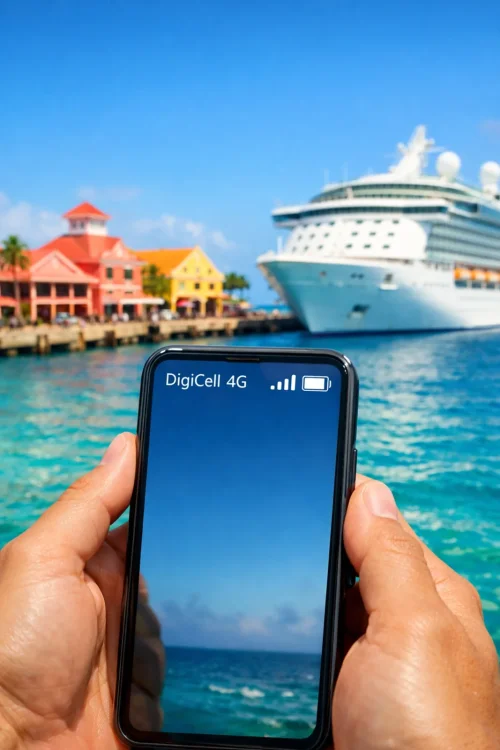
Port networks become available when your ship docks. You can connect to local cellular towers in each country, though international roaming charges may apply depending on your carrier plan.
The trap: your phone switches between these networks automatically. You won't get a warning. You won't get a notification. You'll just get a bill.
The Starlink Revolution (And Why It's Still Not Cheap)
The cruise industry is installing Starlink satellite internet on ships, and it's genuinely faster than the old systems. Royal Caribbean, Carnival, and Norwegian are all rolling it out across their fleets.Starlink delivers speeds that actually allow video calls and streaming : something that was nearly impossible on traditional maritime WiFi. You can work remotely, attend Zoom meetings, and upload photos without waiting 10 minutes for each one.
But here's the reality: it's still expensive. Most cruise lines charge $15-25 per day for a single device, with premium tiers hitting $30-50 per day for unlimited streaming access. That's $105-350 for a week-long cruise.
Is it worth it? Depends on your needs. If you need to stay connected for work or want to share your vacation in real-time, Starlink-powered packages are now viable. If you just want to check in occasionally, you might be better off waiting for port stops.

The Apps You Need to Download Before Sailing
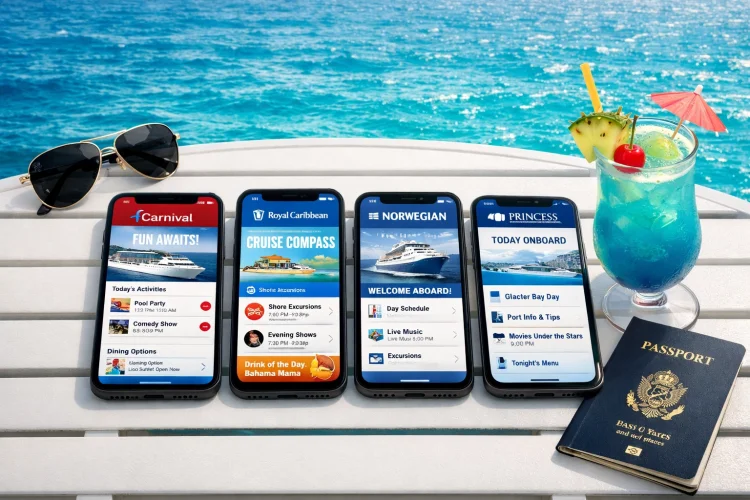
Most cruise lines have their own apps that work through the ship's internal WiFi network : often for free or at reduced cost compared to internet packages. Download these before you leave home:Royal Caribbean: Royal IQ App
- View daily schedules and activities
- Make dining and show reservations
- Track your onboard spending
- Chat with other passengers and crew (free messaging)
- Access ship information and deck plans
- Order drinks to be delivered to your location
- Chat with travel companions (free)
- Stream shows and content
- Book specialty dining and excursions
- View daily itineraries
- Access interactive deck plans
- Manage your booking
- Complete keyless cabin entry
- Order food and drinks from anywhere
- Track family members on the ship
- Stream movies and shows
Also download offline content before sailing: Google Maps lets you download regions for offline use, Netflix and Spotify allow content downloads, and consider saving key documents (boarding passes, excursion confirmations, travel insurance) as PDFs.
The Verizon (and AT&T) Cruise Ship Plan Trap
Your carrier might offer an "international" or "cruise" plan. Verizon's TravelPass costs $12 per day. AT&T's International Day Pass is $10 per day. T-Mobile includes some international roaming in certain plans.Here's what they don't emphasize: these plans often don't work at sea. They're designed for international travel on land. When you're in the middle of the Caribbean connected to a satellite network, you're getting charged maritime rates : not your plan rates.
Even if the plan technically covers "Cellular at Sea" connections, you're still paying $10-12 per day to use satellite networks that charge per text and per minute on top of your plan cost. You end up paying twice.
The exception: these plans can be useful in ports. If you have an international day pass, activating it when docked in Cozumel or Barcelona gives you access to local networks without additional per-text or per-minute charges.
The Smart Strategy: WiFi Plus Port Connectivity
Here's the approach that keeps most cruisers connected without breaking the bank:At sea: Keep airplane mode enabled. Purchase the ship's WiFi package. Use WiFi-based messaging apps like WhatsApp, Facebook Messenger, or iMessage to communicate with people back home. Make video calls through WhatsApp or Skype instead of using maritime cellular networks.
In ports: Disable airplane mode temporarily. Connect to local cellular networks or free WiFi at port terminals and cafes. Upload photos, make calls, handle anything requiring significant bandwidth. Re-enable airplane mode when you return to the ship.
For emergencies: If you need to be reachable for a genuine emergency, consider purchasing a single day of ship WiFi or using the ship's telephone service. Don't rely on keeping your phone connected to maritime networks : the cost isn't worth it.
Alternative Options: eSIMs and International SIMs
Tech-savvy travelers are using eSIMs from services like Holafly, Airalo, or GigSky. These provide local data in each country you visit. You activate them only when in port, getting fast local network speeds for $5-20 per destination.This works well if your phone supports eSIM technology (iPhone XS and newer, recent Samsung Galaxy models, Google Pixel 3 and newer). You set up the eSIM before your cruise, then activate it only when docked.
The advantage: you get genuine local network speeds for uploading photos and videos, significantly faster than ship WiFi. The disadvantage: you need to remember to activate and deactivate at each port, and it doesn't help you at sea.
What About Just Disconnecting?
Here's the unpopular opinion: a cruise is one of the few times you can legitimately disconnect without social consequences. Your out-of-office reply says you're on a cruise. People understand.If you can handle being offline for a week, you'll save $100-200 in WiFi packages and avoid all the stress about connectivity. Use the ship's app for onboard coordination. Take photos with your phone's camera. Upload them when you get home.
Many cruisers report this as their favorite part of the vacation : being genuinely unreachable and present with their travel companions.
The Bottom Line: Your Pre-Cruise Checklist
Before you board:- Enable airplane mode and keep it enabled throughout the cruise
- Download cruise line app and log in while on home WiFi
- Download offline maps, entertainment, and documents
- Disable automatic app updates and cloud syncing in your phone settings
- Turn off data roaming in cellular settings (extra safety measure)
- Notify family/friends of your communication plan
- Consider eSIM setup if you want port connectivity
- Connect to ship WiFi separately (airplane mode stays on)
- Use WiFi-based messaging apps for communication
- Save bandwidth-heavy tasks for port stops
- Monitor your phone's cellular connection status : if it shows cellular bars while at sea, something's wrong
Share Your Experience
Have you tested Starlink speeds on a recent cruise? Received a shocking phone bill after a sailing? We want to hear about it.Head to the Internet, Wi-Fi & Apps forum on CruiseVoices and share your Starlink speed test results or your worst roaming bill horror story. Real experiences from real cruisers help everyone make better decisions about staying connected at sea.
Your $900 mistake could save someone else from the same fate : or your successful connectivity strategy might be exactly what a first-time cruiser needs to hear before their maiden voyage.