

Marina_Cole
Moderator
Why Print Your Luggage Tags Before You Board?
Listen, I've been on 40+ cruises, and I can tell you that the first time you see your suitcase disappear into the bowels of a cruise terminal, you'll understand why luggage tags matter. Princess Cruises luggage tags aren't just fancy stickers—they're the difference between your bags arriving at your cabin by 6 p.m. or showing up at midnight when you're already in your pajamas.
Printing your tags at home before you arrive at the terminal saves you precious time on embarkation day. Instead of waiting in line at the bag drop-off, you'll be one of the organized cruisers who breezes through. Trust me, on a day when 2,000 passengers are checking in simultaneously, those extra 15 minutes feel like a luxury.
What You'll Need to Get Started
Before you sit down to print, gather these essentials:
- Your Princess Cruises booking confirmation number (check your confirmation email)
- Reservation number (different from booking confirmation—also in your email)
- Access to your Princess online account or the Princess app
- A home printer or access to one (inkjet or laser both work fine)
- Luggage tag templates (Princess provides these as PDFs)
- A pair of scissors or luggage tag cutter
- Luggage tag holders or plastic sleeves (optional but smart—protects the tag during handling)
You'll also want a quiet 15 minutes and strong coffee. This isn't complicated, but rushing through it leads to printing errors.
Step 1: Log Into Your Princess Account
Head to princess.com or open the Princess app on your phone. Click "My Account" and log in with your email and password. If you haven't created an online account yet, do that first—it takes about 3 minutes.
Once you're logged in, look for your upcoming cruise. You should see your reservation clearly displayed with your sail date, ship name, and itinerary. This is where the magic happens.
Step 2: Find the Luggage Tags Section
Within your reservation, look for a section labeled "Luggage Tags," "Check-In," or "Get Ready for Your Cruise." The exact wording varies slightly depending on whether you're using the website or app, but it's always in the pre-cruise planning area.
If you're having trouble locating it:
- Use the search function on the Princess website and search "luggage tags"
- Check the "Planning Your Cruise" section of the app
- Call Princess customer service at 1-800-PRINCESS if you're stuck (though honestly, the self-service option is faster)
Step 3: Download the Luggage Tag PDF
Once you've found the luggage tags section, you'll see an option to download a PDF file. This file contains your personalized luggage tags with your cabin number, ship name, and booking information pre-printed. Download this file to your computer or mobile device.
Here's an insider tip: The PDF will typically give you two or three luggage tags per sheet. This is intentional—you get backup tags in case you damage one or have multiple pieces of luggage. Don't throw away the extras; take all of them with you to the cruise terminal.
Step 4: Print Your Tags on Cardstock
This is crucial: Don't print on regular copy paper. Use cardstock or heavy-weight paper (65-110 lb works great). Regular paper will tear, wrinkle, and fall apart during baggage handling. You want something sturdy that can survive being tossed, stacked, and handled by dock workers.
Print settings:
- Set your printer to "Best" or "High" quality
- Make sure "Fit to Page" is NOT selected—you want actual size
- Use color if your tags include color-coding; black and white works too
- Print on the brightest, whitest cardstock you have (it shows up better in the baggage system)
A pro tip from my last cruise on the Crown Princess: Print your tags the day before you leave home, not the morning of. This way, if something goes wrong (printer jam, ink issues), you have time to reprint or troubleshoot.
Step 5: Cut and Prepare Your Tags
Here's where precision matters. Each tag will have a dotted or solid cutting line. Use:
- Scissors (clean, sharp ones—dull scissors will bend the cardstock)
- A paper cutter if you have one (actually the best option)
- A ruler and utility knife if you're feeling fancy
- Luggage tag cutters specifically designed for this (available on Amazon for about $8-12)
Cut slowly and follow the lines. If you mess up a tag, no problem—you have extras. Don't cut so aggressively that you damage the barcode or ship name printed on the tag.
Step 6: Attach Your Tags Securely
Now comes the part that makes or breaks your luggage journey. You need to attach these tags in a way that they won't fall off during baggage handling.
Options:
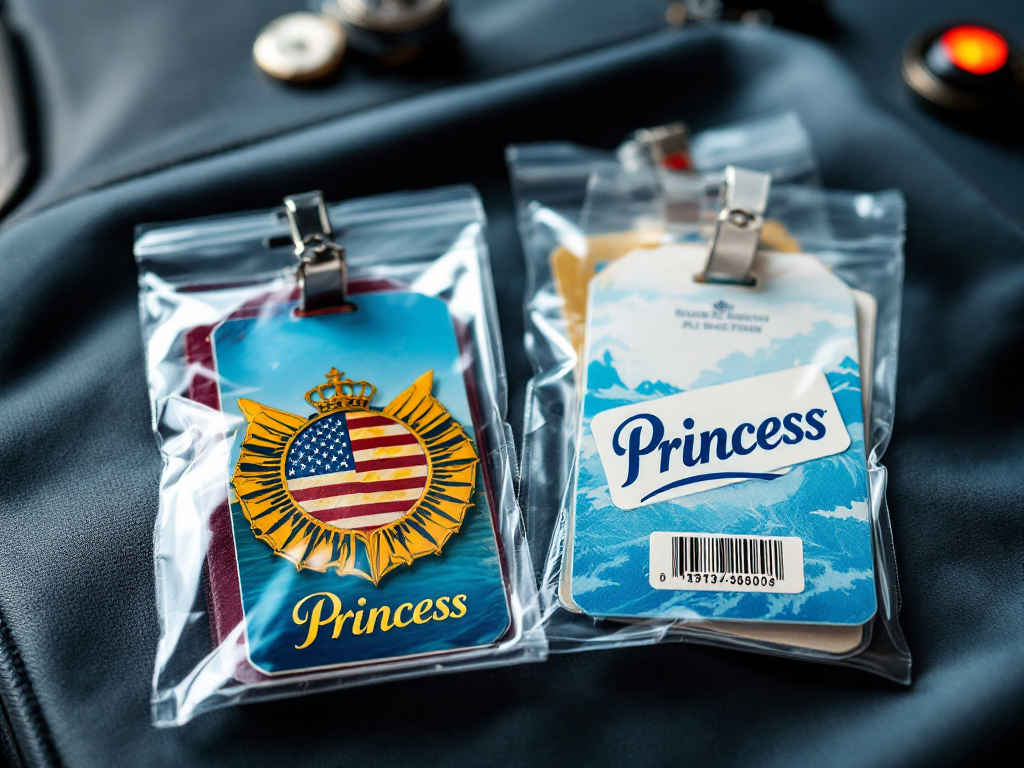
- Plastic luggage tag holders: Slip your printed tag into a waterproof plastic sleeve. These cost $2-5 for a pack of 10 and are absolutely worth it. The plastic protects your tag from moisture, dirt, and wear.
- Tie-on tags: Most luggage tags come with a hole for string. Use strong twine or plastic ties—not regular string that can break.
- Adhesive-backed tags: If your tags have adhesive backing, peel and stick directly to your suitcase. Press firmly for 10 seconds. Make sure you're sticking them to a clean, dry surface.
- Luggage tag straps: These wrap around your bag and hold the tag securely. Great for softside luggage.
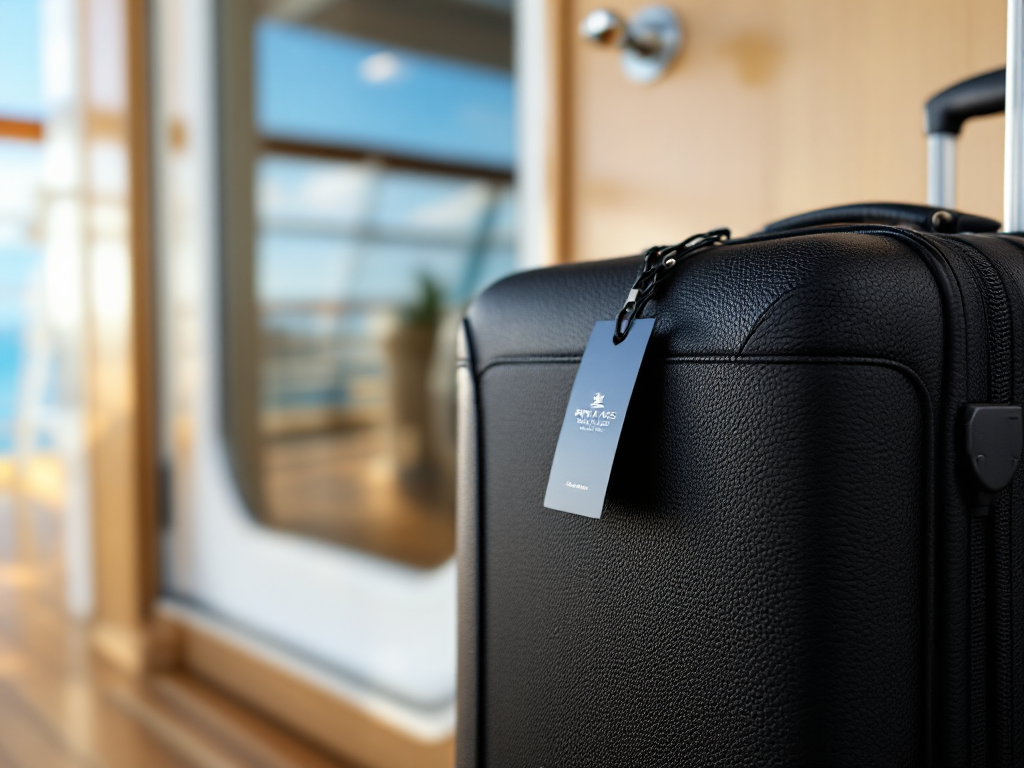
Attach your tag to the outside of the largest piece of luggage you're checking. Put it somewhere visible but not in a location that will get scuffed up—the top corner of the suitcase works well.
Step 7: Double-Check Your Information Before the Terminal
Before you leave home, verify that your printed tags show:
- Correct ship name (not another Princess ship)
- Correct cabin number
- Correct sail date and port of embarkation
- Your last name (if included)
- The barcode is readable (no smudges or tears)
If anything looks wrong, reprint immediately. Mistakes here mean your luggage could end up on the wrong ship or delayed arrival.
Common Mistakes I've Seen Cruisers Make
After 40+ cruises, I've watched people make the same luggage tag errors:
Not printing early enough: You can print luggage tags up to 30 days before your sail date. Do it as soon as you book. Don't wait until the morning of embarkation.
Using the wrong cabin number: If your cabin was changed during the booking process, make sure you're printing the current cabin number, not your original one.
Attaching tags too loosely: I watched a tag fall off a suitcase right at the baggage drop-off on the Grand Princess. The suitcase was delayed 24 hours. Attach tight.
Printing multiple copies on one sheet: Don't try to cut and paste your tag PDF multiple times on one sheet. Use the official Princess template with the correct spacing.
Forgetting to bring backup tags: Even if you only have one suitcase, bring all the tags Princess provided. You might check a second bag last-minute, and these tags are free.
What If You Forget to Print at Home?
Don't panic. You can still get luggage tags at the cruise terminal, but here's the reality: You'll wait in a separate line, it will take 10-15 minutes, and you might not get your bags until later that evening.
Most Princess terminals (Port of Los Angeles, New York, Miami, San Diego, and Seattle) have computers where you can print tags on-site. Just ask a crew member at check-in.
Better option? Several internet cafes and UPS stores near cruise terminals offer printing services for about $5-10. Not ideal, but it works in a pinch.
Pro Tips from a Cruise Veteran
Laminate your tags: If you cruise frequently, consider laminating your printed tags before attaching them. They last longer and look more professional.
Color-code for family cruises: If you're traveling with family, you can print your tags on different colored cardstock so bags are easy to identify at the baggage claim.
Keep a digital copy: Screenshot or save a PDF of your printed tags to your phone. If you misplace your physical tags, you have proof of what your cabin number and ship details are.
Check baggage tracking: Most Princess ships now offer baggage tracking through the app. Once your bags are tagged and scanned, you can actually see when they're delivered to your cabin.
Wrapping Up
Printing your own Princess luggage tags takes 10 minutes and saves you 20 minutes (or more) at the terminal on embarkation day. It's one of those small-but-mighty moves that makes your cruise experience smoother.
The process is designed to be simple because Princess wants your luggage system to work as smoothly as you do. Follow these steps, use cardstock, attach securely, and you'll never worry about your bags again.
Have a question about Princess luggage tags or want to share your own embarkation day stories? Join the discussion with fellow cruisers in our Princess Cruises community—we love swapping tips and real-world experiences.
Fair winds and smooth sailing!
—Sunny Shores
Cruise Voices Staff Writer | 40+ Cruises and Counting