

When Carnival's technology goes haywire, your dream vacation can quickly turn into a frustrating nightmare. From app crashes that lock you out of dining reservations to cabin key cards that stop working ship-wide, I've weathered my share of Carnival tech meltdowns over 40+ cruises. The good news? You can absolutely protect yourself and salvage your vacation when the digital infrastructure fails.

Let's be honest: Carnival's technology runs the entire ship operation, and when it fails, it fails spectacularly. I experienced this firsthand on the Carnival Panorama in March 2026 when their main server crashed on day three. The HubApp went down, dining reservations disappeared, and even the elevators had intermittent issues.
The root problem is that Carnival runs older ships with newer technology grafted on top. Ships like the Carnival Liberty (launched 2005) are trying to run 2026 software on infrastructure that wasn't designed for it. It's like trying to run the latest iPhone apps on a flip phone.
Most Common Tech Failures on Carnival:
What surprised me most was learning from a Carnival IT crew member that they actually expect at least one major system failure per 7-day cruise. They've built redundancies, but passengers rarely know about the backup options.
Share your Carnival tech horror stories in our CruiseVoices forums – you're definitely not alone!
Here's what I do before every Carnival sailing to bulletproof my vacation against tech failures:
Screenshot Everything
Before you board, take screenshots of your confirmation numbers, dining reservations, spa appointments, and excursion bookings. Save them to your phone's photo album, not just the HubApp. When the Carnival Mardi Gras app crashed during my February 2026 sailing, I was the only person in Guest Services with proof of my Rudi's Seagrill reservation.
Print Physical Backups
I know it sounds old-school, but print your boarding pass, dining confirmation, and excursion vouchers at home. Keep them in a waterproof document holder. Guest Services can reissue everything, but it takes 2-3 hours when systems are down.
Download Offline Maps
For ports, download offline Google Maps before you sail. When Carnival's port information system crashed during our Cozumel stop, having offline maps saved our shore day.
Bring Cash
Always embark with $200-300 in small bills. When card readers fail (happened to me on Carnival Horizon), cash is the only thing that works at bars and shops. The ATMs often go down with the main systems.
Want to compare tech reliability across cruise lines? Join the discussion in our cruise community!
When Carnival's tech inevitably crashes, here's exactly what to do:
Hour 1: Assess and Document
Don't immediately rush to Guest Services with everyone else. First, figure out what's actually broken. Can you still get into your cabin? Are elevators working? Is the WiFi down or just the app? Take photos of error messages – this helps Guest Services fix things faster.
Hours 2-3: Alternative Access Points
Most passengers don't know about Carnival's backup systems. When the HubApp is down, you can often still make dining reservations at the actual restaurants. The Steakhouse on Deck 5 might take walk-ins when their digital booking system is offline.
For specialty dining, try these backup locations:
Communication Alternatives
When WiFi dies, find the Guest Services phone in your cabin (usually under the TV). You can call other cabins, make dining reservations, and even contact shore excursion staff. Most passengers never discover this backup communication system.
Here's where experience really pays off. Carnival will compensate you for significant tech disruptions, but you need to ask correctly.
Document Everything
Keep a written log of what failed and when. "WiFi down 2:00 PM - 8:30 PM Day 3" is much more powerful than "internet was bad." Take photos of error screens and long Guest Services lines.
Focus on Missed Experiences
Don't just complain about inconvenience – explain what you missed. "I couldn't make spa reservations due to app failure and missed my planned couples massage" gets better results than "your technology sucks."
Escalate Strategically
Guest Services can offer onboard credit up to $100 per person. For bigger issues, ask to speak with the Hotel Director. I received a $300 cabin credit and priority WiFi for the remainder of my cruise after a two-day app outage on Carnival Vista.
Post-Cruise Follow-Up
Always file a post-cruise complaint within 30 days. Carnival's shore-side customer service has more authority than shipboard staff. I've received future cruise credits up to $500 for significant tech failures.
After sailing on 15+ Carnival ships, here's my honest assessment of tech reliability:
Most Reliable:
Most Problematic:
The newer Excel and Vista-class ships simply have better underlying infrastructure. If tech reliability is crucial for your vacation, pay the premium for newer ships.
Pack these items for every Carnival cruise:
Carnival's tech issues are frustrating but predictable. With proper preparation and realistic expectations, you can absolutely have an amazing vacation even when their systems crash. I've learned that the best Carnival cruises often happen when you disconnect from the digital experience anyway.
The key is building your own backup systems and knowing how to work around their failures. After 40+ cruises, I can honestly say that tech problems have never ruined a Carnival vacation – but being unprepared for them definitely can.
Remember: Carnival's crew wants to fix these problems as much as you do. Stay patient, be prepared, and focus on the experiences that don't require WiFi – like watching the sunset from Deck 10 or enjoying a perfectly grilled burger at Guy's Burger Joint.
Have you survived a Carnival tech meltdown? Share your survival tips and compensation success stories in our CruiseVoices community – your experience could save someone else's vacation!
The Reality of Carnival's Tech Infrastructure
Let's be honest: Carnival's technology runs the entire ship operation, and when it fails, it fails spectacularly. I experienced this firsthand on the Carnival Panorama in March 2026 when their main server crashed on day three. The HubApp went down, dining reservations disappeared, and even the elevators had intermittent issues.
The root problem is that Carnival runs older ships with newer technology grafted on top. Ships like the Carnival Liberty (launched 2005) are trying to run 2026 software on infrastructure that wasn't designed for it. It's like trying to run the latest iPhone apps on a flip phone.
Most Common Tech Failures on Carnival:
- HubApp crashes affecting dining, spa, and excursion bookings
- WiFi complete outages lasting 6-12 hours
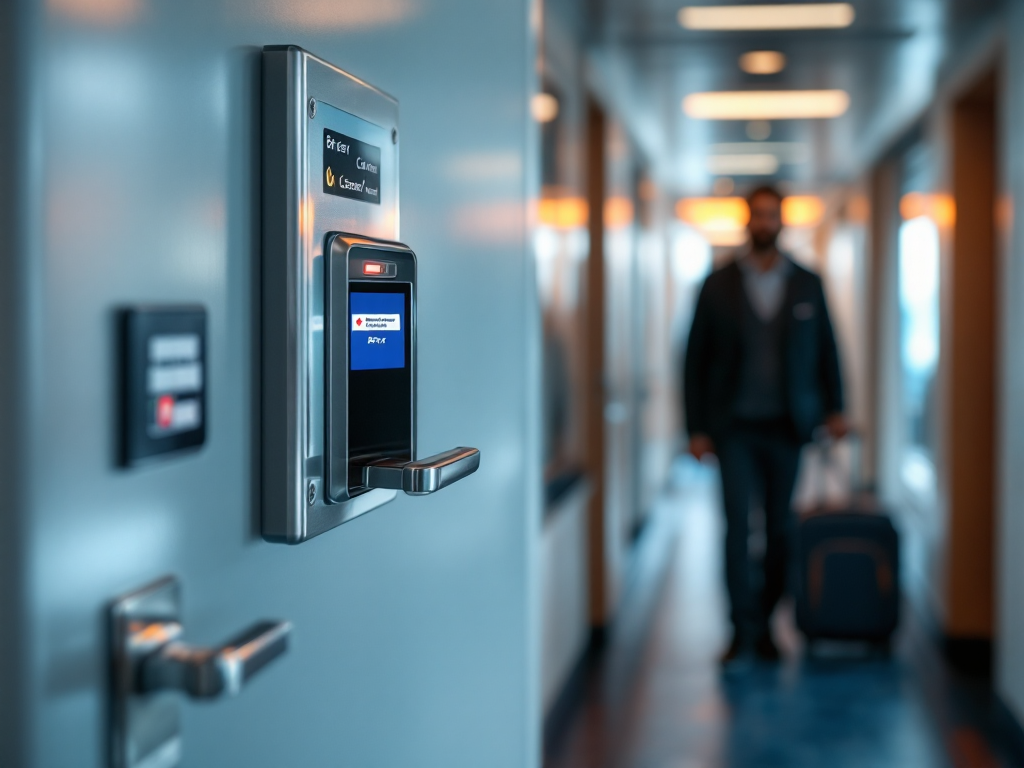
- Cabin key card system failures
- Digital check-in kiosks freezing at embarkation
- Specialty restaurant reservation systems going offline
- Cruise compass (daily schedule) not updating
What surprised me most was learning from a Carnival IT crew member that they actually expect at least one major system failure per 7-day cruise. They've built redundancies, but passengers rarely know about the backup options.
Share your Carnival tech horror stories in our CruiseVoices forums – you're definitely not alone!
Pre-Cruise Protection Strategy
Here's what I do before every Carnival sailing to bulletproof my vacation against tech failures:
Screenshot Everything
Before you board, take screenshots of your confirmation numbers, dining reservations, spa appointments, and excursion bookings. Save them to your phone's photo album, not just the HubApp. When the Carnival Mardi Gras app crashed during my February 2026 sailing, I was the only person in Guest Services with proof of my Rudi's Seagrill reservation.
Print Physical Backups
I know it sounds old-school, but print your boarding pass, dining confirmation, and excursion vouchers at home. Keep them in a waterproof document holder. Guest Services can reissue everything, but it takes 2-3 hours when systems are down.
Download Offline Maps
For ports, download offline Google Maps before you sail. When Carnival's port information system crashed during our Cozumel stop, having offline maps saved our shore day.
Bring Cash
Always embark with $200-300 in small bills. When card readers fail (happened to me on Carnival Horizon), cash is the only thing that works at bars and shops. The ATMs often go down with the main systems.
Want to compare tech reliability across cruise lines? Join the discussion in our cruise community!
During System Failures: Your Action Plan
When Carnival's tech inevitably crashes, here's exactly what to do:
Hour 1: Assess and Document
Don't immediately rush to Guest Services with everyone else. First, figure out what's actually broken. Can you still get into your cabin? Are elevators working? Is the WiFi down or just the app? Take photos of error messages – this helps Guest Services fix things faster.
Hours 2-3: Alternative Access Points
Most passengers don't know about Carnival's backup systems. When the HubApp is down, you can often still make dining reservations at the actual restaurants. The Steakhouse on Deck 5 might take walk-ins when their digital booking system is offline.
For specialty dining, try these backup locations:
- Cucina del Capitano: Ask the Lido Marketplace manager
- Fahrenheit 555: Visit the main dining room maître d'
- Bonsai Sushi: Guest Services can manually add you to the list
Communication Alternatives
When WiFi dies, find the Guest Services phone in your cabin (usually under the TV). You can call other cabins, make dining reservations, and even contact shore excursion staff. Most passengers never discover this backup communication system.
Maximizing Compensation When Tech Fails
Here's where experience really pays off. Carnival will compensate you for significant tech disruptions, but you need to ask correctly.
Document Everything
Keep a written log of what failed and when. "WiFi down 2:00 PM - 8:30 PM Day 3" is much more powerful than "internet was bad." Take photos of error screens and long Guest Services lines.
Focus on Missed Experiences
Don't just complain about inconvenience – explain what you missed. "I couldn't make spa reservations due to app failure and missed my planned couples massage" gets better results than "your technology sucks."
Escalate Strategically
Guest Services can offer onboard credit up to $100 per person. For bigger issues, ask to speak with the Hotel Director. I received a $300 cabin credit and priority WiFi for the remainder of my cruise after a two-day app outage on Carnival Vista.
Post-Cruise Follow-Up
Always file a post-cruise complaint within 30 days. Carnival's shore-side customer service has more authority than shipboard staff. I've received future cruise credits up to $500 for significant tech failures.
Which Carnival Ships Handle Tech Better
After sailing on 15+ Carnival ships, here's my honest assessment of tech reliability:
Most Reliable:
- Carnival Celebration (2022) - newest infrastructure
- Carnival Mardi Gras (2021) - Excel-class stability
- Carnival Panorama (2019) - fewer passengers per server
Most Problematic:
- Carnival Liberty - 2005 ship with grafted-on modern tech
- Carnival Conquest - WiFi dead zones on Decks 1-3
- Carnival Fascination - avoid if you need reliable internet
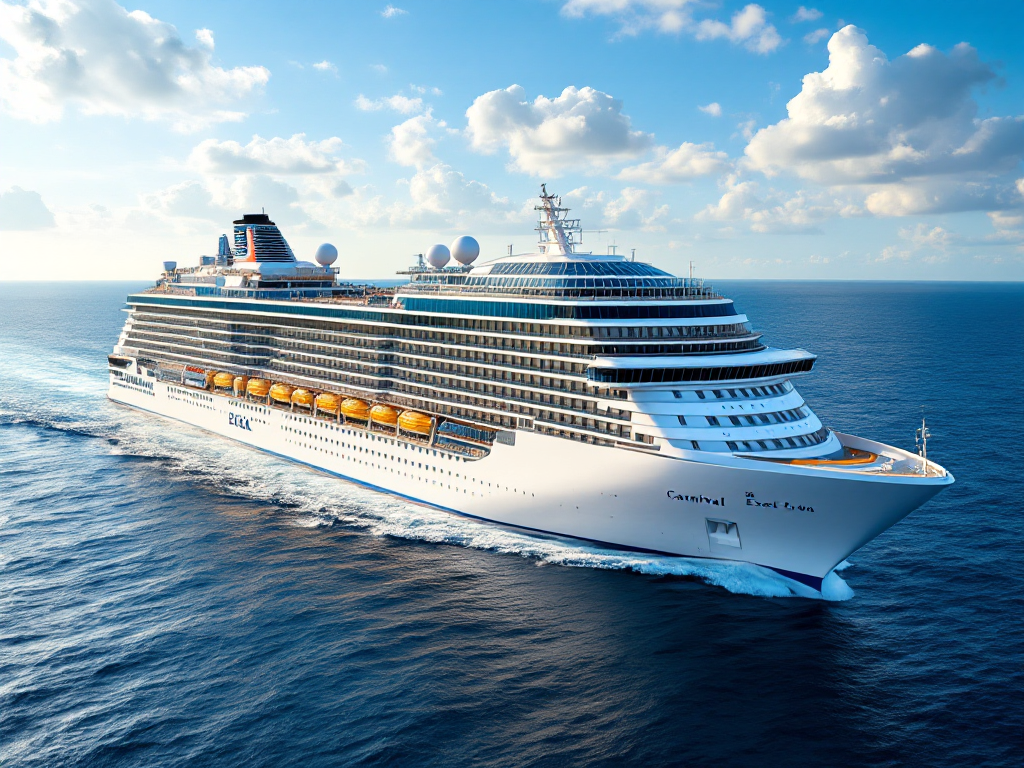
The newer Excel and Vista-class ships simply have better underlying infrastructure. If tech reliability is crucial for your vacation, pay the premium for newer ships.
Your Tech Survival Kit
Pack these items for every Carnival cruise:
- Portable phone charger (systems failures drain batteries faster)
- Physical watch (cabin clocks often reset during system reboots)
- Small notebook and pen for manual record-keeping
- Backup credit card (different from your onboard payment method)
- Downloaded entertainment for cabin time during outages
The Bottom Line
Carnival's tech issues are frustrating but predictable. With proper preparation and realistic expectations, you can absolutely have an amazing vacation even when their systems crash. I've learned that the best Carnival cruises often happen when you disconnect from the digital experience anyway.
The key is building your own backup systems and knowing how to work around their failures. After 40+ cruises, I can honestly say that tech problems have never ruined a Carnival vacation – but being unprepared for them definitely can.
Remember: Carnival's crew wants to fix these problems as much as you do. Stay patient, be prepared, and focus on the experiences that don't require WiFi – like watching the sunset from Deck 10 or enjoying a perfectly grilled burger at Guy's Burger Joint.
Have you survived a Carnival tech meltdown? Share your survival tips and compensation success stories in our CruiseVoices community – your experience could save someone else's vacation!
Last edited: